

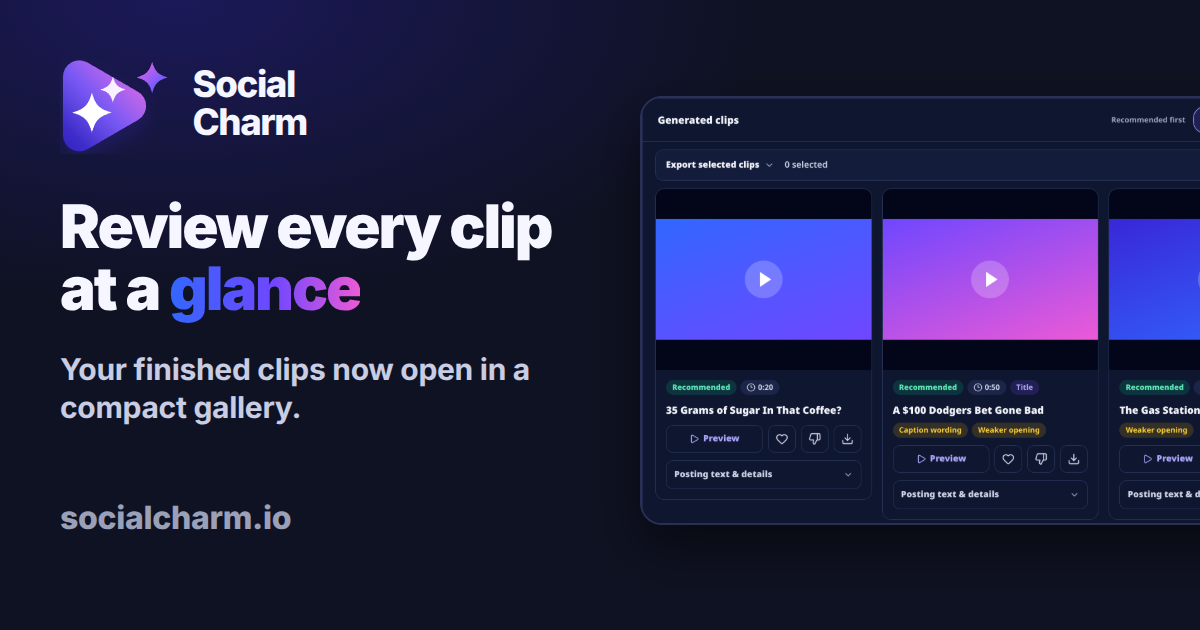
Review your video clips in one gallery
Social Charm's new clip gallery puts your finished video clips together for review. Preview, favorite and download each clip, with captions and hashtags tucked away until you need them.
What's new
New features and improvements, explained in plain language, so you can get more out of every long video.
Follow with RSSSocial Charm's new clip gallery puts your finished video clips together for review. Preview, favorite and download each clip, with captions and hashtags tucked away until you need them.
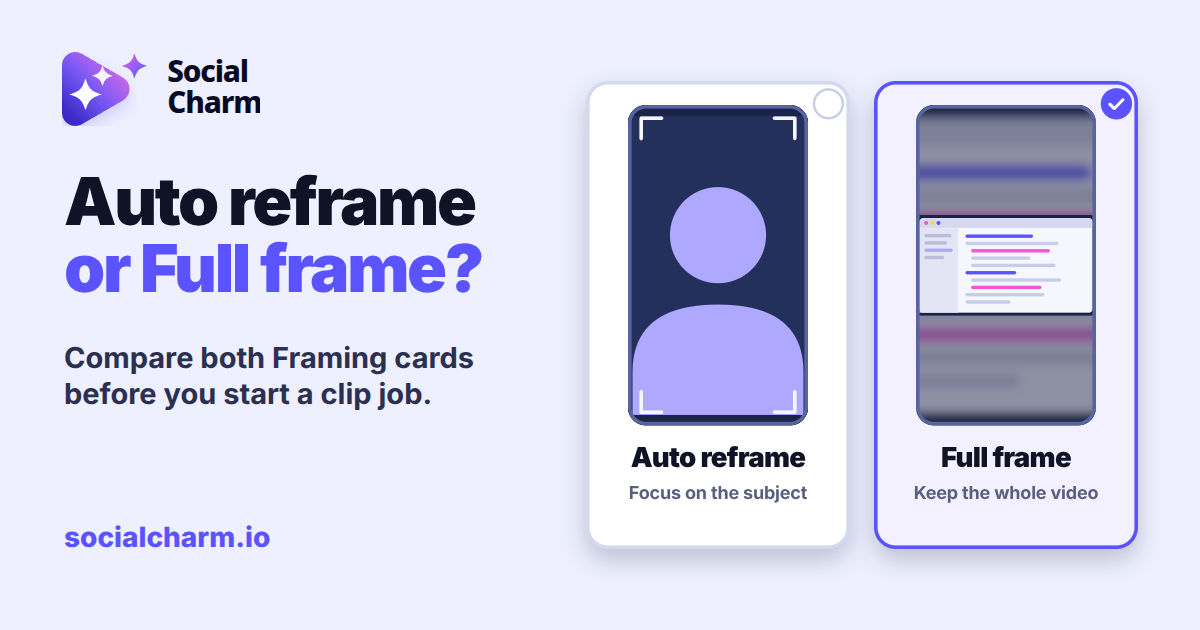
Framing in Clip settings shows Auto reframe and Full frame as two picture cards, side by side. See what each one does and pick before you start a clip job.
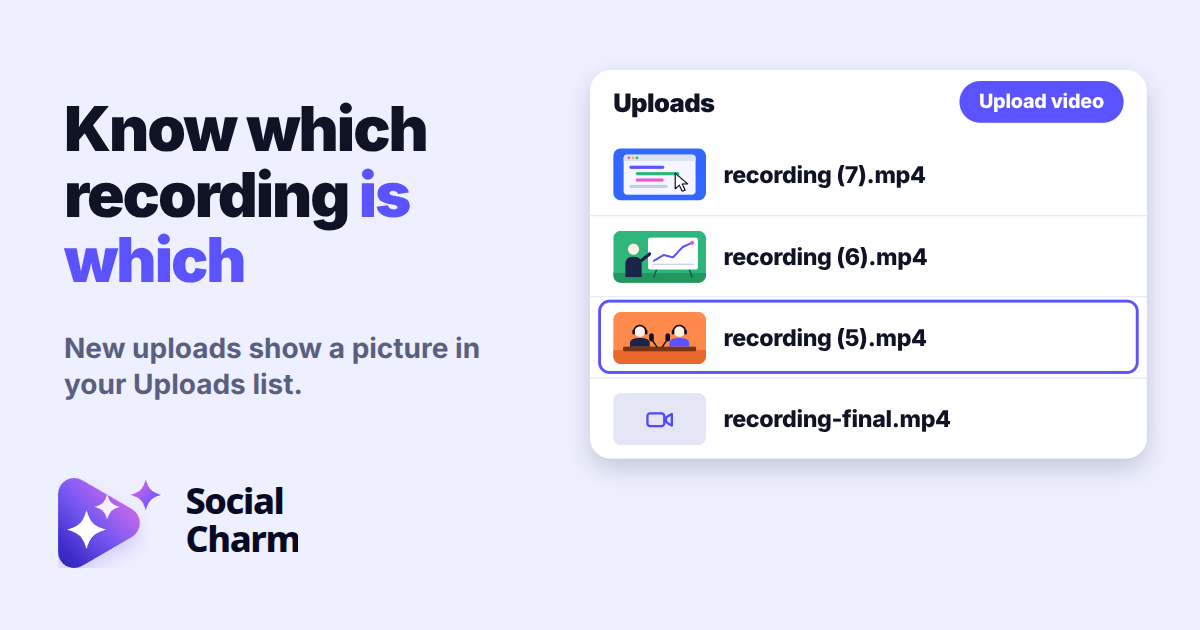
Each new video file you upload saves a small picture from its first second. It shows on Recent uploads and in your Uploads list, so you can spot the recording you want.

When you start a new clip job, Social Charm selects your saved Brand Guidelines template and loads its caption style. You can opt out for any single job.